Posts

Showing posts with the label YouTube

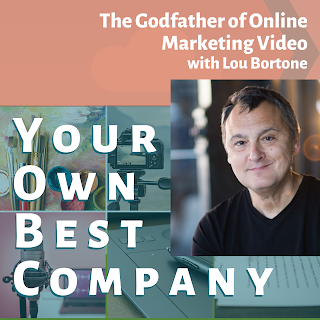
The Godfather of Online Marketing Video - Lou Bortone
Image
  Lou Bortone on ▼▼▼ Watch and Listen Below! ▼▼▼ If you want to increase online visibility for your business, the universal advice is that you need to post videos. Everywhere, all the time, videos. Algorithms love videos, Kids love videos. Grandmas love videos. Videos, videos, videos! I was a slow starter when it came to posting videos for my music and my businesses. I've had a YouTube channel for a long time and it sat for years while I worked up the nerve and figured out how to use my camera. A few years ago, I heard about a class called 31 Flavors of video. In that class, I learned about 31 different kinds of online video I could make, I joined a Facebook group where I got daily feedback. And I gained some amazing tools and resources that helped me make good decisions about equipment, production, scripting, and more. In this episode, I'll introduce you to Lou Bortone, the creator of the 31 Flavors of Video, as well as programs like Fast Forward video mastermind, and the new ...

Recording and Publishing a Video, Podcast, and Blog in Under an Hour

Image
I was asked today how I make these videos and podcasts so quickly. The short answer is that I cut corners. I don't make unique thumbnail images, my editing is light at best, I don't care if I say um or stammer, and I use the same templates daily for videos, images, and descriptions. The tools I use are Camtasia video recording and editing software from Camtasia, Canva Pro templates for graphics, a simple framework for descriptions, and automated distribution through Anchor. My content ideas most often come from conversations I've had within a day or two before and are not scripted or structured. I record the video with Camtasia using a template I made just for the coffee break. The template has front and end graphics, a pre-formatted title and text overlay, and a placeholder where my video will go. Once the video is recorded, I place it in the template, change the title overlay, trim the beginning and end of the recording, and add fades between the video elements. Then I re...